Double Edit
Hold your chosen activation to repeat the Edit and Select sequence. Release to stop generated inputs.
SpeedBalancedReliable
Three paces. The same familiar sequence. EMX CONTROLLER
Double Edit. Drag. Dialed in.
A focused controller macro app with the unmistakable EMX finish.
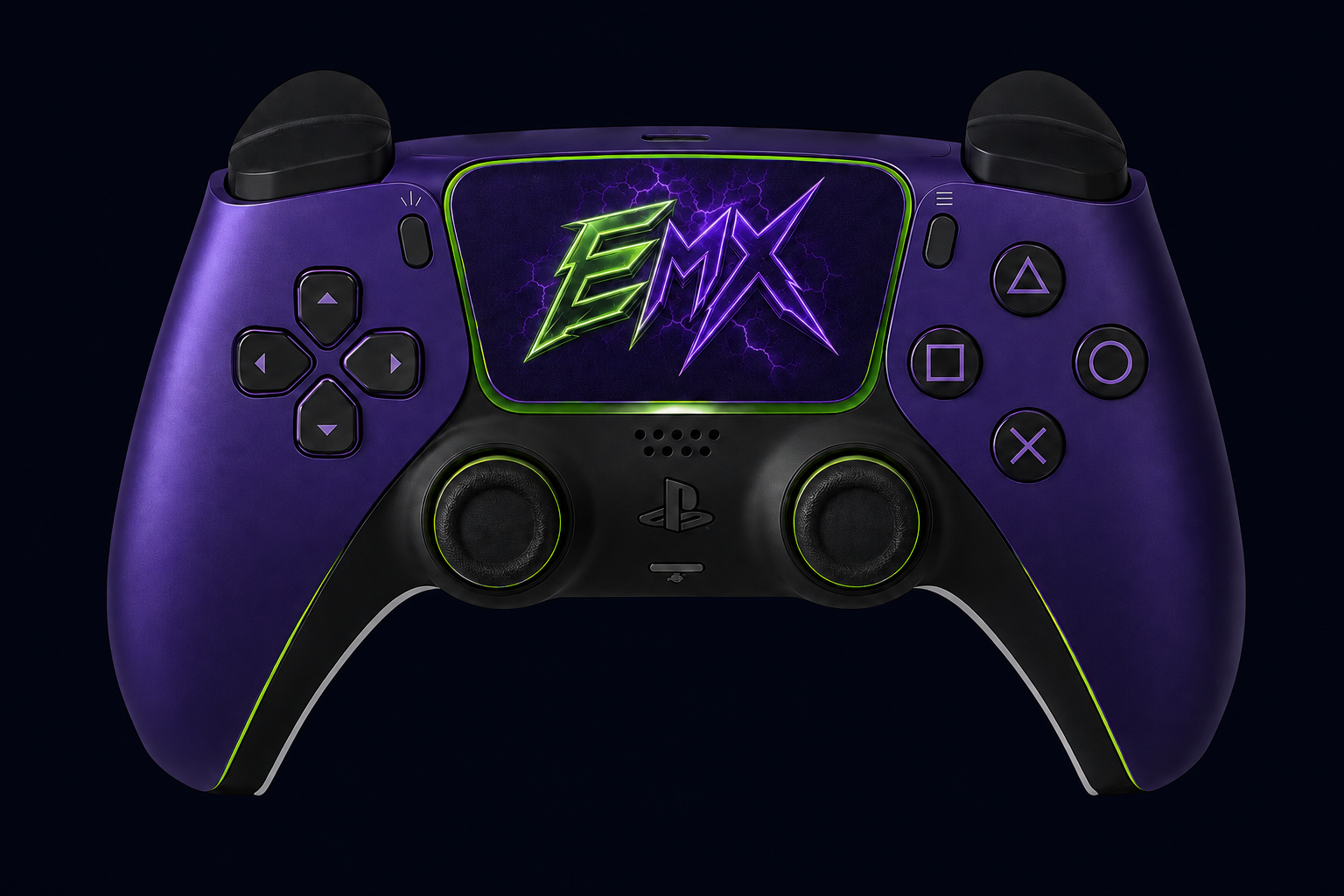
EMX concept controller · bindings are configurable
01 / THE CONTROLS
Keep the actions you use together, together. Choose your controller buttons and tune the pace to your preference.
Hold your chosen activation to repeat the Edit and Select sequence. Release to stop generated inputs.
Press to start Edit, then hold Select until you release. Drag keeps its own timing when you change Double Edit presets.
Click a binding, press a controller button. SCUF paddles use the button they expose to Windows.
Tray controls, startup preferences and rebindable Emergency Stop and Show / Hide shortcuts.
Check for updates in the app. Signed metadata and file verification protect the installation path.
02 / FROM DOWNLOAD TO PLAY
Purchase through the official Payhip listing and download the ZIP.
Use your purchase email and Payhip transaction ID to retrieve your key. Enter it on the app’s License page.
Run the included setup, connect your controller, match your game bindings and enable Master before launching your game.
03 / YOUR NEXT SETUP
One focused EMX app.
Your choice of buttons. Your choice of pace.
Download includes Setup.exe and an automatic desktop shortcut. Activation key delivered by email.
Already purchased? Retrieve your key →BEFORE YOU START
A Windows x64 PC and a supported controller. Initial driver setup may need administrator approval and a Windows restart. Required installers are included. Windows 10 compatibility and additional controller models remain part of release qualification.
No. A valid paid product entitlement is required. Internet access is required for activation and license renewal. Keep your receipt email and transaction ID.
Match Edit and Select to your game’s controller settings. Buttons may have different actions in Build, Edit and Combat modes. EMX does not read the game’s current mode or guarantee that every short pulse will be recognized.
Sprint Assist is restricted to forward movement with Double Edit and yields to Drag, manual Edit and R2 reset. It is experimental, off by default, and can occasionally leave Build mode and select a weapon. Disable Sprint Assist if this occurs.
Visit EMX Support for activation and setup assistance. Use only the official EMX and Payhip links.